 USD
USD EUR
EUR GBP
GBP CAD
CAD AUD
AUD HKD
HKD JPY
JPY KRW
KRW SGD
SGD NZD
NZD THB
THB TWD
TWD English
 日本語
日本語 한국어
한국어 Français
 Español
 Português
 Nederlands
 繁體中文
繁體中文
By DIGIBox TV Box | 06 August 2026 | 0 Comments
DIGIBOX D6 MAX Review (2026) | Is This 8K Android TV Box Worth Buying? Full Hands-On Test
Today, we're going to review some new home electronics. What we have to unbox is the DIGIBox Smart TV System.
This is an all-in-one smart TV device that connects directly to your television and runs on an Android-based system. It allows you to transform a regular TV into a smart TV with plenty of streaming and entertainment options.
I was excited to try this out because I don't have smart TV devices in every room of my house. This could be a great solution for older televisions that don't have built-in smart features.
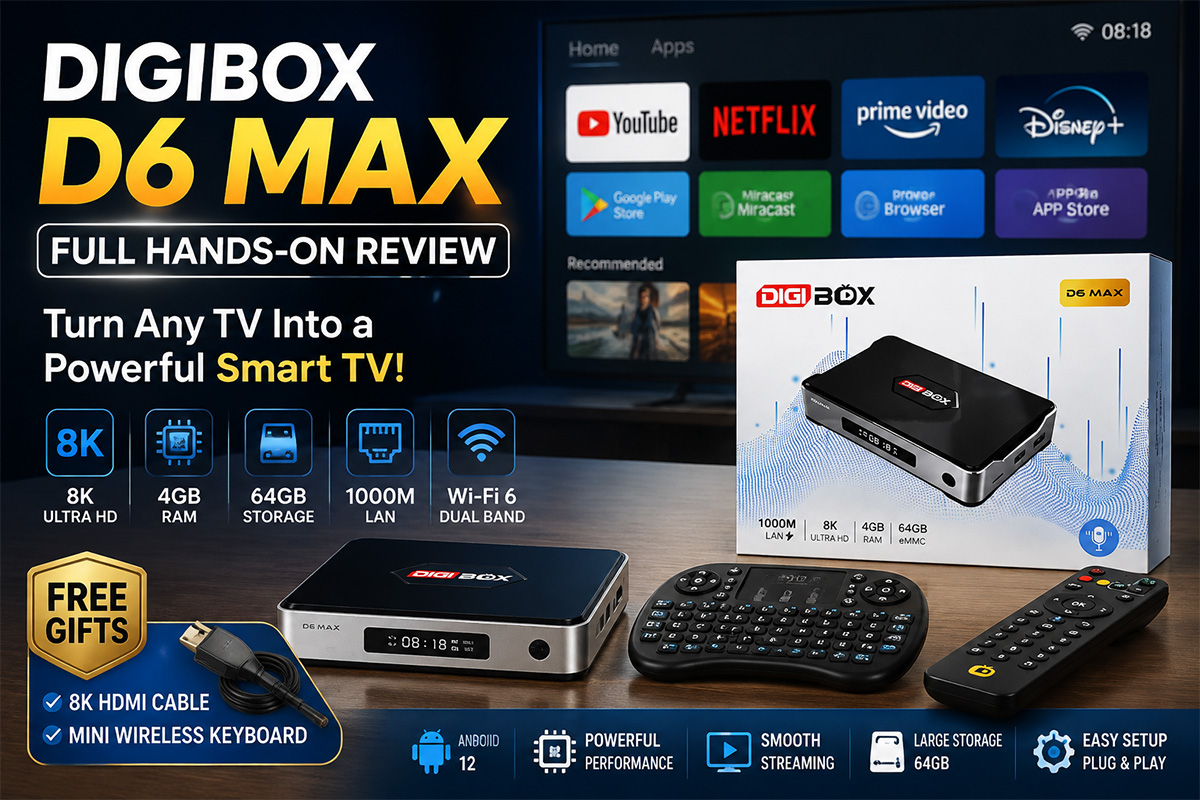
What's Included in the Box?
Inside the package, we have:
DIGIBox Smart TV Box
8K HDMI Cable (currently included as a free gift)
Mini Wireless Keyboard (free gift)
Remote Control
USB-C Power Adapter
User Manual
The included HDMI cable supports 8K Ultra HD, and the mini keyboard makes searching and typing much easier compared with using only a traditional remote.
DIGIBox Hardware Overview
Let's take a look at the outside of the box.
The DIGIBox features:
8K Ultra HD support
4GB RAM
64GB internal storage
Gigabit Ethernet (1000 Mbps)
HDMI output
Micro SD card slot
Multiple USB ports
USB-C power connection
The front of the device has a small display and a power button.
On the side, there are additional ports including the Micro SD slot and USB ports, which allow you to connect external storage devices for watching videos, viewing photos, or playing music.
The device is compact but includes all the connections you need.
Remote Control & Accessories
The included remote control is simple and easy to use.
It requires two AAA batteries, which are inserted into the back compartment.
The box also includes a standard HDMI cable and a USB-C power adapter.
The setup process looks straightforward, so let's connect it to the TV and see how it performs.
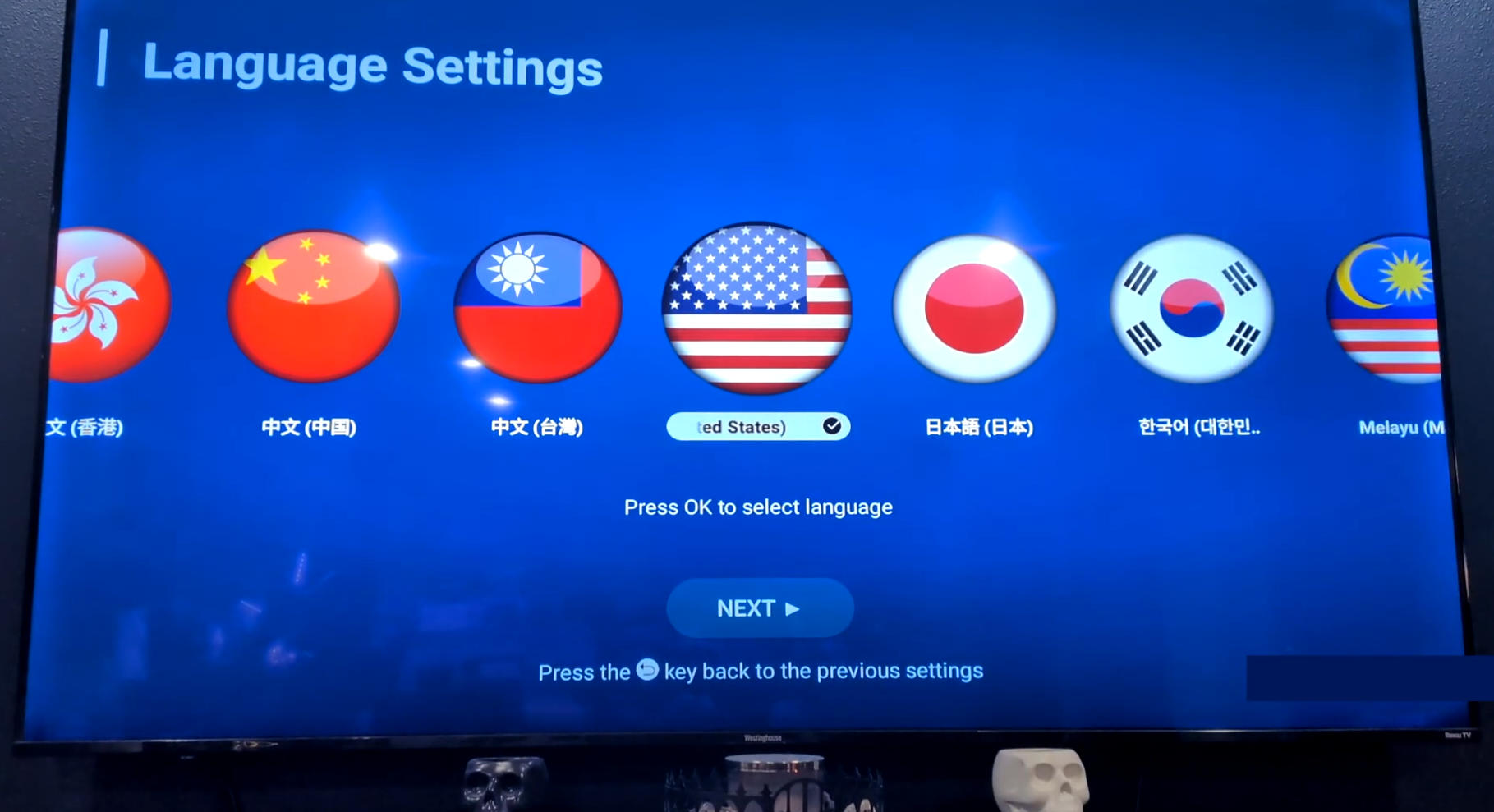
Initial Setup
I connected the DIGIBox to my TV using an HDMI cable and inserted batteries into the remote.
The first-time setup walks you through:
Time zone selection
Date and time settings
Network connection
Wi-Fi setup
User agreement confirmation
Since I didn't have an Ethernet cable nearby, I connected through Wi-Fi.
After completing the setup, we arrived at the main DIGIBox interface.
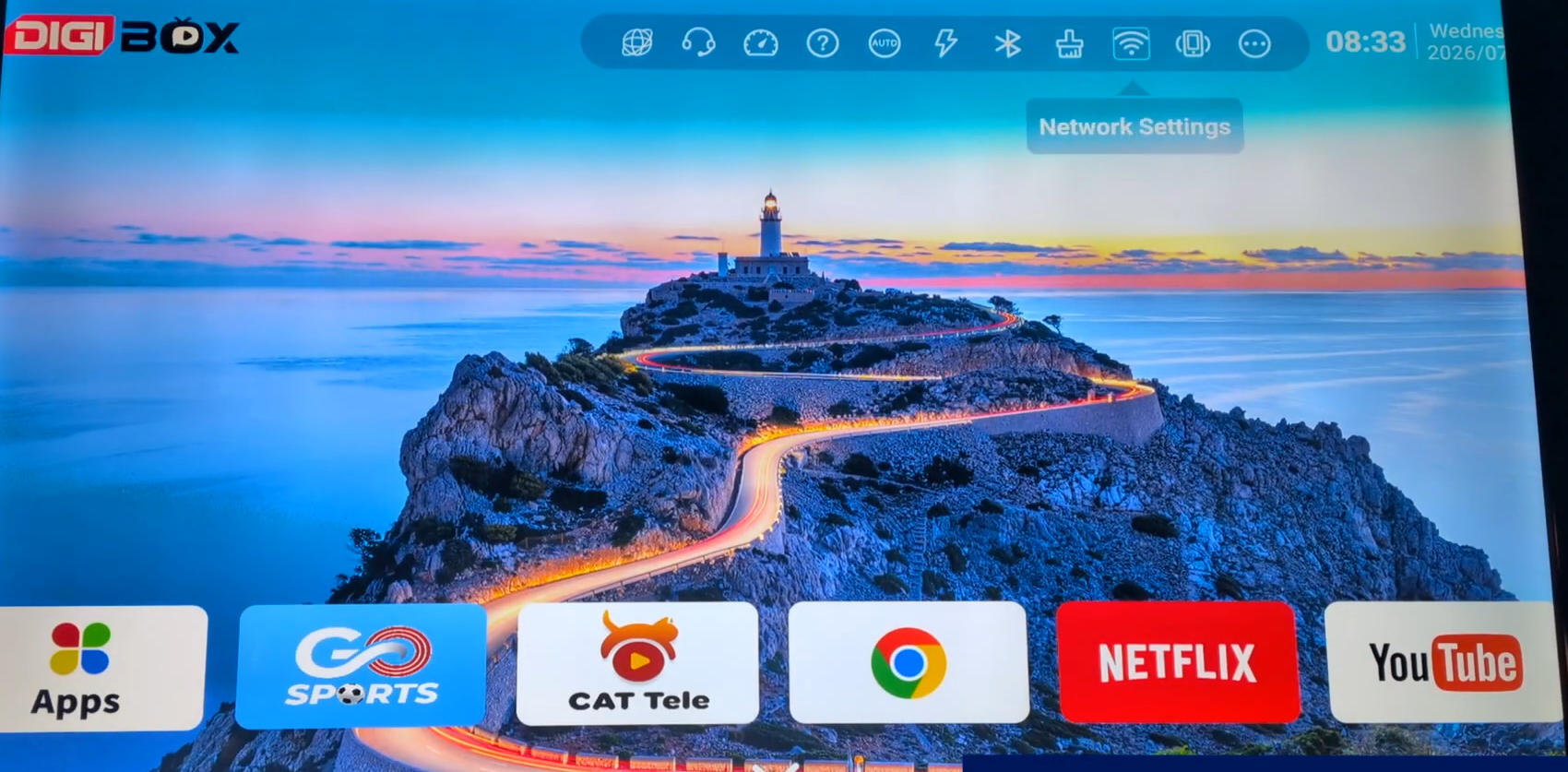
DIGIBox Interface & Features
The top menu includes several useful options:
Browser
Contact Support
Internet Speed Test
Help
Self-starting
Quick Launch
Bluetooth Settings
Memory Cleaner
Network Settings
Remote Control Settings
More Options
At the bottom of the screen, you can access installed applications.
The device comes preloaded with various apps, and because this is an Android-based device, you can install additional applications as needed.
It also includes:
Google Play Store
Miracast
App Store
Miracast allows you to mirror content from another device directly onto your TV screen.
Apps & Streaming Experience
There are many different applications available.
Some of the built-in apps include entertainment and streaming services.
I checked out some of the included applications, including CAT-related apps, which provide access to various channels.
Some channels appeared to include international content.
The device also supports popular streaming platforms.
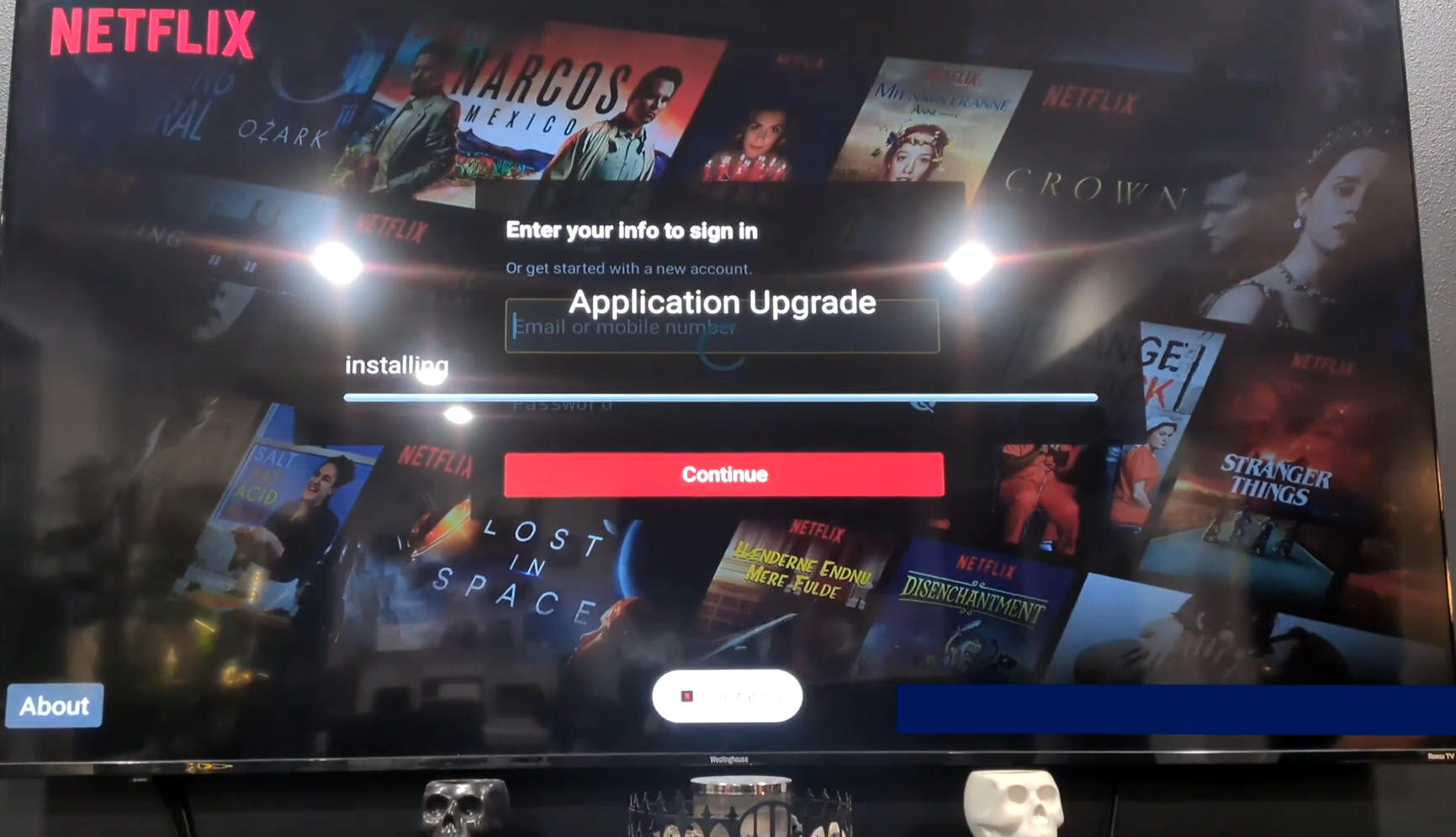
Netflix & YouTube Test
Let's test Netflix.
After opening Netflix, the device loads the latest updates and provides the standard login screen.
You will need your own Netflix account to access content.
Netflix works normally and gives you access to available movies and TV shows.
Next, I installed YouTube.
You can sign in with your own account or continue as a guest.
YouTube loaded quickly and immediately displayed recommended videos and trending content.
Everything worked smoothly.
Additional Settings & Features
DIGIBox D6 Max provides several customization options.
You can:
Change wallpapers
Adjust wallpaper rotation timing
Modify screen size
Adjust display resolution
The screen adjustment feature allows you to fit the picture perfectly to your TV.
File Manager & Storage
The built-in file manager allows you to access:
USB drives
Micro SD cards
Photos
Videos
Music files
You can use DIGIBox as a multimedia center for your personal content.
After installing some applications, the device was only using around 2.5GB of storage, leaving plenty of space available.
With 64GB of internal storage, there is plenty of room for apps and files.
Final Thoughts
Overall, the DIGIBox is a powerful and convenient device that can turn almost any regular television into a smart TV.
Right out of the box, it provides:
Fast connectivity
8K support
Large storage capacity
Android-based flexibility
Streaming capabilities
Easy setup
If you have an older TV and want smart TV features without replacing it, DIGIBox is a great option.
I highly recommend checking it out.
If you're interested in picking one up, check the link in the description below. There will also be a promo code available for a discount.
Remember, if you order quickly, you may also receive the free gifts, including the 8K HDMI cable and wireless mini keyboard.