 USD
USD EUR
EUR GBP
GBP CAD
CAD AUD
AUD HKD
HKD JPY
JPY KRW
KRW SGD
SGD NZD
NZD THB
THB TWD
TWD English
 日本語
日本語 한국어
한국어 Français
 Español
 Português
 Nederlands
 繁體中文
繁體中文
By DIGIBox TV Box | 03 December 2025 | 0 Comments
DIGIBox D6 Max Review: The Next Evolution of Streaming TV Boxes
Today, we're taking a deep dive into the next-generation streaming box — the DIGIBox D6 Max. This new model brings major upgrades over the previous D3 Plus and aims to deliver a faster, cleaner, and more flexible TV experience without the need for a traditional tuner.
Whether you enjoy live TV, video-on-demand (VOD), international channels, or simply want a compact device that works like a mini Android computer, the D6 Max is designed to cover it all. Let's unbox the device, walk through the setup, and explore its standout features.
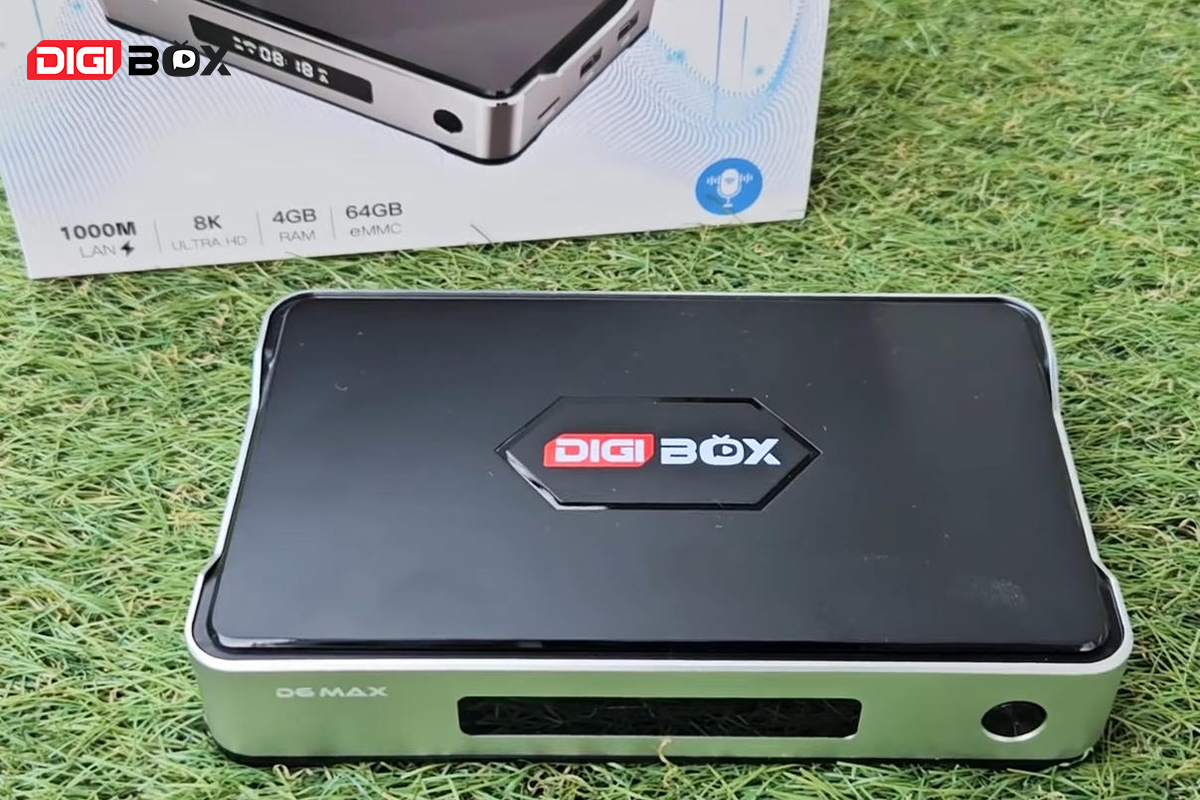
Unboxing the DIGIBox D6 Max
Inside the box, you'll find:
DIGIBox D6 Max main unit
HDMI cable
AC adapter (5V/2A)
Remote control (requires 2 AAA batteries, not included)
User manual
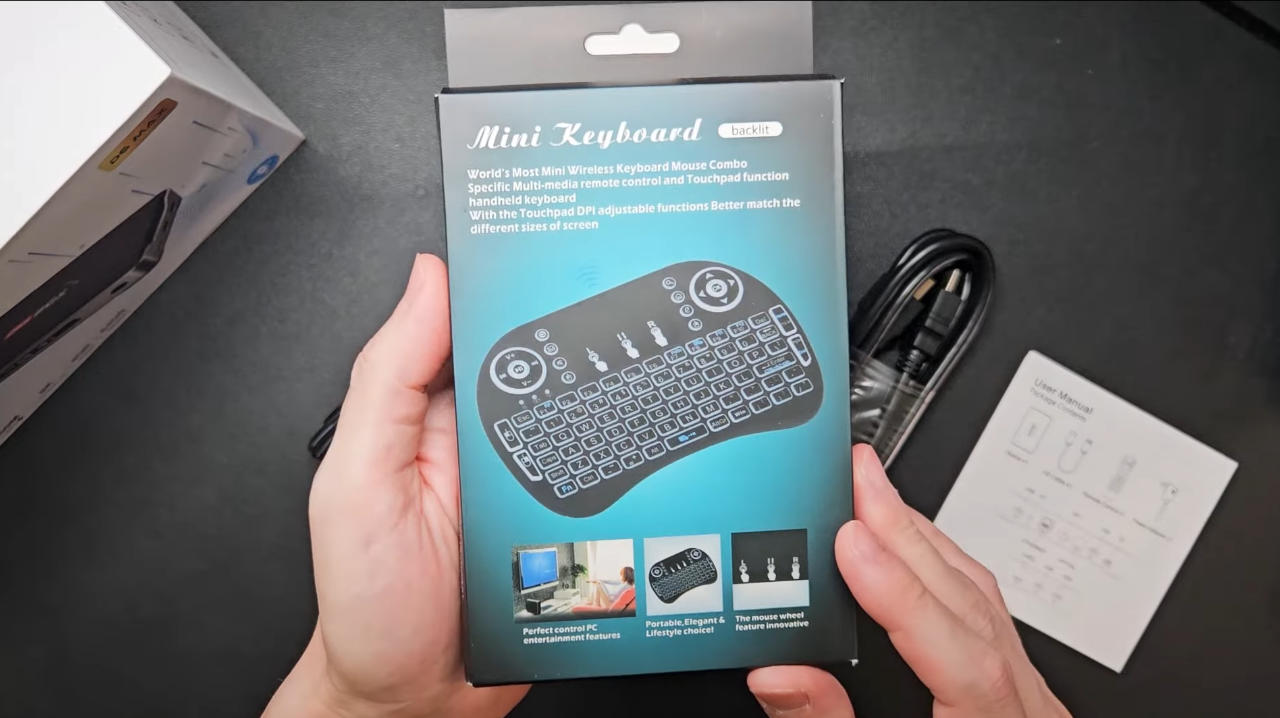
Free bonus wireless mini keyboard (for some purchase plans)
The included wireless mini keyboard functions as a compact keyboard + touchpad combo and connects via a USB receiver. It’s simple to use and especially helpful for typing search terms or navigating browsers.
Design and Build
The D6 Max ditches the antenna found on previous models, achieving a cleaner and slimmer form factor — almost like a small external hard drive.
Dimensions:
Width: 160 mm
Height: 100 mm
Thickness: 31 mm
Weight: approx. 265 g
The material has also been improved. Parts of the chassis now use a metal alloy, increasing both durability and heat dissipation.
Core Specifications
The DIGIBox D6 Max introduces a powerful set of updated specifications designed for modern streaming. It runs on Android 12, equipped with 4GB of RAM and 64GB of internal storage, providing smooth navigation and ample room for apps and downloads.
The device now supports 8K HDR video output, delivering exceptional clarity on high-resolution displays. Connectivity has also been significantly upgraded with Wi-Fi 6, ensuring faster and more stable wireless speeds, Bluetooth 5.4 for reliable accessory pairing, and a Gigabit LAN port for high-speed wired connections.
Power input has been modernised with a USB Type-C port, replacing the older DC connector for a more convenient and widely compatible power solution.
Key Upgrades from DIGIBox D3 Plus
Compared with the D3 Plus, the D6 Max brings improvements across every major component:
Metal alloy body elements for better cooling and durability
Faster Wi-Fi 6 wireless capability
More stable Bluetooth 5.4
Gigabit Ethernet for top-tier wired performance
8K HDR video output (upgraded from 6K)
Backlit remote control
USB-C power input instead of DC port
Faster internal storage for quicker app launches
The LAN upgrade is especially impactful, giving users a far more stable live-TV experience.
Setup and Installation
Setting up the D6 Max is incredibly easy:
Connect the included HDMI cable to your TV or monitor.
Plug the USB-C power cable into the device and a wall outlet.
Wait for the system to boot into the Android setup screen.
Pair the remote by holding the OK button and Volume Down for 3 seconds.
Select your language (Japanese supported).
Set the time, connect to Wi-Fi or LAN, and accept the system agreements.
If your environment allows it, a wired Gigabit connection offers the smoothest streaming performance, especially for HD and 8K content.
Home Screen & App Installation
The D6 Max works just like a smartphone or tablet — you install apps based on the content you want to watch. Some apps come pre-loaded, but you can also fully customize your setup.
Recommended Essential Apps (Updated)
CAT TV Plus — The main app integrating live TV + VOD
CAT Live — Excellent for US/UK/EU content
CAT Asia — A large selection of Asian channels
JCAT VOD — Japan-focused VOD for movies and dramas
CAT Tele — Latin American channels (great for soccer fans)
CAT TV Plus is the biggest standout. Compared to the D3 Plus, its new UI is more polished and easier to navigate, especially for Japanese users.
Live TV Features: 7-Day Catch-Up CAT TV Plus offers real-time channels from Japan, the US, Europe, Asia, and more — independent of your location.
Many major channels now include a 7-day catch-up feature, indicated by a play icon next to the program. This allows you to:
Rewatch broadcasts you missed
Save shows for weekend viewing
Follow sports games you couldn't watch live
Not all channels support catch-up, but the major ones do.
VOD Content Integration
Within the same CAT TV Plus app, you can access:
Movies
TV dramas
Anime
Variety shows
The new JCA TVOD app is especially attractive for Japanese-speaking users because all titles and metadata are in Japanese.
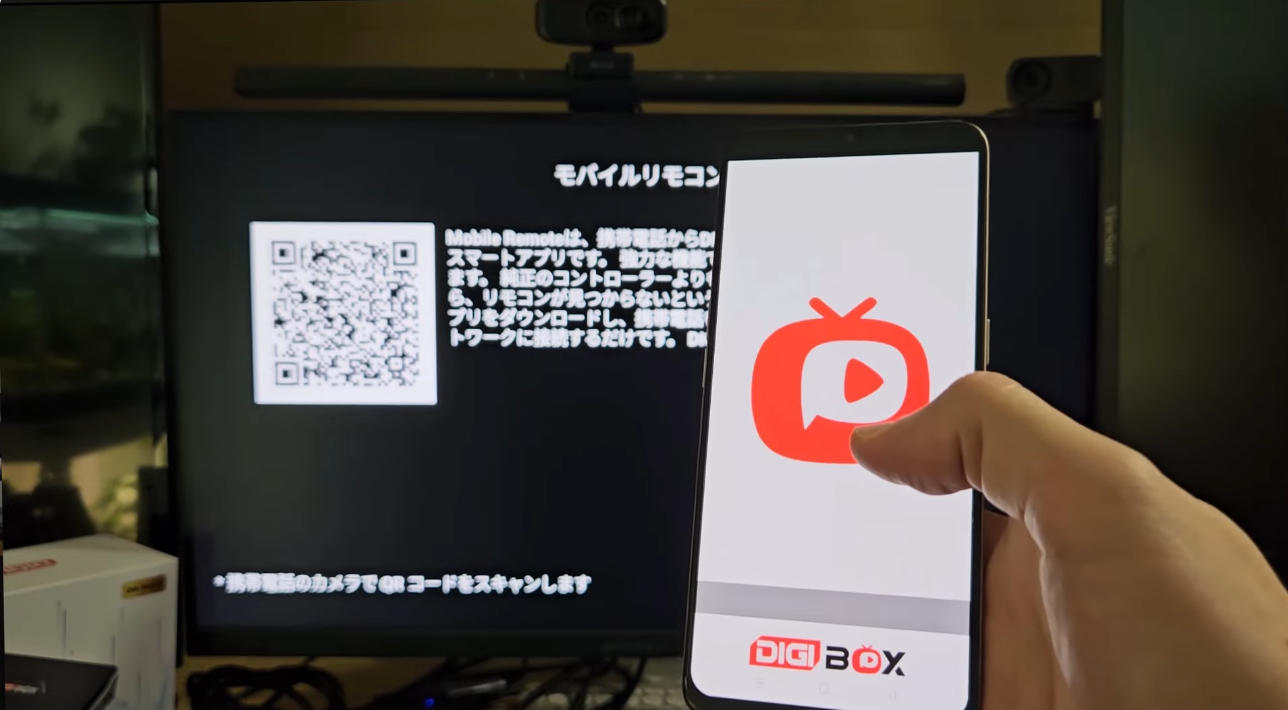
Bonus Feature: Control with Your Smartphone
Using the DigiPlay companion app (Android only), you can turn your smartphone into:
A full remote control
A mouse-style controller
A touchpad
The response speed is excellent, making it a practical alternative to the physical remote.
Final Thoughts
The DIGIBox D6 Max is a major leap forward from the D3 Plus. With its upgraded hardware, 8K support, faster Wi-Fi and LAN options, a unified live TV + VOD experience, and improved remote responsiveness, it delivers one of the best tuner-less TV streaming experiences today.
Whether you're interested in global news, Japanese channels, Asian entertainment, or Latino sports, the D6 Max provides a seamless, high-performance platform to enjoy everything in one device.